NovaCloud News
Load Shedding IT Continuity South Africa: a Guide
load shedding IT continuity south africa requires layered resilience: UPS, generators, cloud failover, and staff playbooks. Learn how to protect your business.
16 July 2026 · Editorial team · Backup
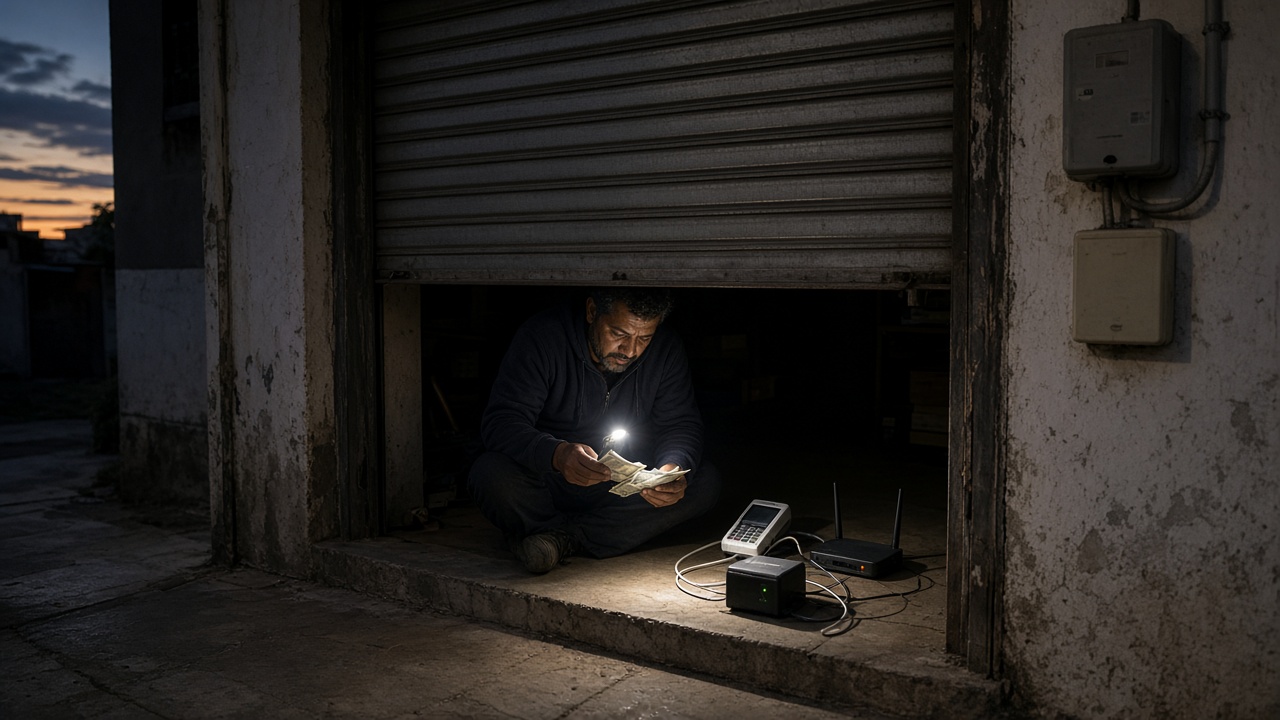
South Africa's businesses have lived with rolling blackouts long enough that load shedding IT continuity is no longer a niche concern, it is a baseline operational requirement. Whether you run a ten-person accounting firm in Pretoria or a 200-seat call centre in Durban, an unplanned power cut can halt productivity, corrupt data, and cost you customers within minutes.
Plugging in a power strip and hoping for the best stopped being a strategy years ago. Structured resilience planning is now table stakes.
Why Load Shedding Is Still South Africa's Biggest IT Continuity Threat
South Africa has experienced some of the world's most sustained load shedding cycles. At their peak, Eskom's rotating blackout schedules reached Stage 6, cutting power for up to 12 hours a day in some areas.
Grid stability improved through 2025 and into 2026, but the underlying infrastructure risk has not gone away. Most business continuity professionals treat another extended cycle as a matter of when, not if.
For SMEs, the damage compounds quickly. Servers shut down without warning. VoIP phones go dead. Cloud sync pauses when the router loses power. Employees send "working from home" messages from their phones while mission-critical systems sit dark.
Reactive businesses lose billable hours, miss client calls, and risk data corruption. Proactive businesses, those with layered resilience strategies, keep running.
Building a business continuity plan for South African SMEs is the broader exercise that power continuity sits inside. But the power layer has to come first, because nothing else works without it.
Building a Load Shedding Backup Power Strategy That Actually Works
IT resilience specialists consistently recommend a layered approach: UPS units buy time for graceful shutdowns and data protection, generators extend runtime for mission-critical systems, and cloud failover keeps productivity going regardless of local power state. No single solution is sufficient on its own.
UPS for Business Continuity: Bridging the Gap
A UPS (Uninterruptible Power Supply) is your first line of defence. When mains power drops, a UPS switches to battery in milliseconds, fast enough to keep servers, switches, and workstations alive without data loss or a system restart.
For most SMEs, UPS runtime targets should be realistic. Ten to twenty minutes is enough to complete open transactions, trigger automated backups, and shut down servers cleanly. Larger battery banks or online-double-conversion UPS units can extend this to 30–60 minutes for critical nodes.
Size your UPS to the watt load of the equipment it protects, not the number of sockets. An undersized unit will fail exactly when you need it most.
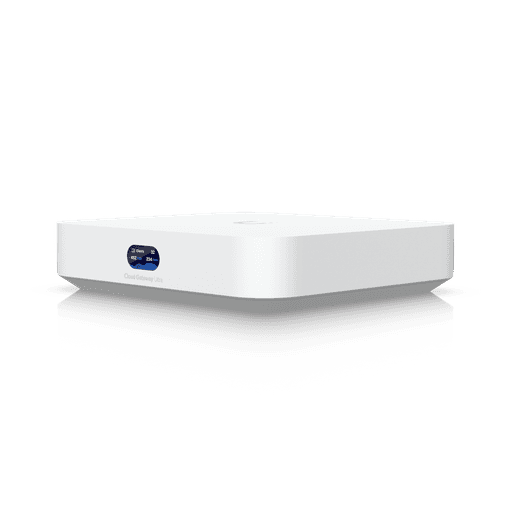
UPS planning also covers your network layer. A powered firewall and router are useless if your network switches are dark. The Ubiquiti UniFi PowerAmp brings intelligent power management to your UniFi network infrastructure, helping keep connectivity alive when the rest of the building loses power.
Generator Backup Strategy: When UPS Isn't Enough
Stage 4 and above means outages of several hours at a stretch. A UPS alone cannot carry you through that. A generator picks up where battery power leaves off.
Diesel generators are the most common choice for commercial premises. Key planning points:
- Fuel reserve: Calculate your generator's fuel consumption at rated load and keep at least 48 hours of fuel on site during high-stage periods.
- Transfer switch: An automatic transfer switch (ATS) starts the generator and switches the load within seconds, eliminating the gap between UPS depletion and generator start.
- Critical load separation: Not every socket in your office needs generator power. Ring-fence servers, networking equipment, and key workstations on a dedicated circuit. This cuts fuel consumption and simplifies your electrical setup.
- Maintenance schedule: Generators that sit idle for months fail when needed. Run a load test monthly and service annually at minimum.
Cloud Failover and Data Protection During Power Outages
Even the best backup power hardware is a local solution to a local problem. Cloud architecture removes the dependency entirely.
Why Cloud-First Architecture Outlasts the Grid
When your workloads live in the cloud, a power cut at your office becomes a connectivity problem, not a productivity shutdown. Staff can pick up their laptops or phones, switch to a mobile hotspot, and keep working. The servers, files, and applications are unaffected because they were never in your building.
A mid-sized Johannesburg professional services firm that migrated email, file storage, and telephony to cloud platforms found its teams could shift seamlessly to mobile hotspots during Stage 4 outages. Client-facing services continued throughout, while competitors relying on on-premise servers were dark.
Microsoft 365 is the most practical starting point for most SA SMEs:
- Microsoft 365 Business Basic (around R1,330 per user per year) gives you cloud email, Teams, SharePoint, and OneDrive, enough for teams that work primarily through a browser and need cloud productivity without the full desktop suite.
- Microsoft 365 Business Standard (around R2,771 per user per year) adds full desktop Office apps, useful when staff need Word, Excel, and PowerPoint installed locally alongside their cloud access.
- Microsoft 365 Business Premium (around R4,877 per user per year) bundles enterprise-grade security and device management on top of everything in Standard, the most cost-efficient option for businesses that also need to manage endpoints and protect sensitive data during remote work.
For load shedding resilience specifically, Business Basic is the fastest and most affordable entry point. Business Premium makes sense once you factor in the security cost of staff working from personal devices on mobile data.
Cloud backup is the other half of this equation. Data that exists only on a local server is data at risk during a sudden power failure. POPIA-compliant cloud backup in South Africa covers what that looks like in practice.
For businesses still running some on-premise hardware, hybrid cloud deployments for South African businesses offer a bridge that protects local assets without a full migration.
NovaCloud Africa's managed clients across Pretoria, Johannesburg, KZN, and Cape Town get ZAR-billed, locally hosted cloud services, meaning data stays within South Africa's borders and remains accessible via any internet-connected device when office power fails.
Keeping Communications Alive: VoIP, Collaboration, and Call Centres
VoIP and Unified Communications Under Load Shedding
Traditional PBX systems die when power dies. Cloud-based VoIP is different, the telephony logic lives in the cloud, so calls can be routed to mobile numbers or softphone apps automatically when the office goes dark.
Business VoIP solutions in South Africa are specifically designed to handle this scenario. Pair cloud VoIP with a mobile data failover connection and your office number keeps ringing, on your phone, on your laptop, anywhere.
Microsoft Teams (available as a standalone annual subscription at around R1,175 per user) handles voice, video, and chat in a single cloud-resident app. During load shedding, staff simply continue their Teams calls from a phone or laptop on mobile data.
No on-premise hardware is involved. For businesses already on Microsoft 365, Teams is included, a zero-additional-cost communication layer that survives any local power event.
Unified communications platforms for SA teams extend this thinking to the full collaboration stack: presence, messaging, file sharing, and calls all in one place.
Maintaining Call Centre Operations During Outages
For customer-facing teams, missed calls equal lost revenue. A cloud-based call centre architecture breaks the dependency on office power entirely.
Vuleka Reach, Incoming (around R495 per extension per month) handles inbound call routing, IVR, queue management, and call recording, all from the cloud. When office power fails, agents answer from mobile devices. Callers hear no difference.
Vuleka Reach, Outbound (around R695 per extension per month) adds campaign management, automated dialers, and CRM integration for proactive outreach. Both products keep agents productive from any location, which matters when load shedding makes the office unavailable.
Communication Protocols and Staff Playbooks for Outage Events
Technology alone is not enough. Staff need to know what to do before the lights go out, not after.
A load shedding playbook should cover at least four areas:
- Eskom schedule integration: Subscribe to a load shedding notification service (EskomSePush or similar) and feed alerts into your team communication channel. Everyone should know the expected outage window by 07:00 each morning.
- Internal escalation tree: Define who is responsible for what during an outage, who triggers the generator, who confirms cloud backup status, who notifies clients. Write it down. Laminate it. Put it near the server room.
- Client and partner communication: Pre-draft SMS or WhatsApp broadcast messages for high-stage outage days. An SMS gateway solutions for outage communications platform can automate these broadcasts even if office internet is down, using mobile networks.
- Remote support hand-off: If IT staff cannot physically access affected systems, remote IT support services during outages let your managed IT provider connect and resolve issues without stepping foot on site, as long as cloud management tools are in place before the outage occurs.
Run a tabletop drill at least once a year. An untested playbook is little better than no playbook.
Cost-Effective IT Resilience Planning: Prioritising Without Overspending
Resilience does not have to be expensive if you phase the investment correctly.
Phase 1, Cloud productivity (immediate, lowest cost): Move email, files, and collaboration to Microsoft 365 Business Basic. Staff can work from anywhere with mobile data. Total exposure to office power failure drops dramatically from day one.
Phase 2, Backup power for critical hardware (short term): Install UPS units on servers, networking equipment, and key workstations. Add a generator if your premises support it and your outage exposure justifies the cost. Focus generator power on the smallest set of systems that must stay live, not everything.
Phase 3, Communications resilience (medium term): Migrate telephony to cloud VoIP and Teams. Deploy Vuleka Reach for call centre functions. Establish the staff playbook and SMS broadcast capability.
Phase 4, Managed IT services (ongoing): A managed IT partner monitors your environment 24/7, responds to incidents, manages patching and backups, and ensures your resilience stack stays current as load shedding patterns evolve. ZAR billing through a local provider keeps costs predictable, no dollar-rate surprises in your monthly invoice.
Managed IT services for South African SMEs is the scalable end-point of this journey, the model where resilience becomes a monthly operating cost rather than a series of expensive reactive projects.
Budget-conscious SMEs often ask which step to prioritise when they can only do one. The answer is almost always Phase 1. A R1,330-per-user cloud licence costs far less than a single day of downtime, and it delivers productivity gains that pay for themselves independently of load shedding.
Ready to find out where your business is most exposed? NovaCloud Africa offers load shedding IT continuity assessments for South African SMEs, covering backup power, cloud architecture, communications, and staff protocols under one roof, with local support and ZAR billing. Contact the team to book your assessment today.
Tags
- generator backup strategy
- load shedding backup power
- power outage it continuity
- ups for business continuity