NovaCloud News
UniFi Network Setup for Small Offices in South Africa
Deploy a professional Ubiquiti UniFi network setup for your small office in South Africa. Learn gateway, access point, and security configuration.
24 August 2026 · Editorial team · Managed IT
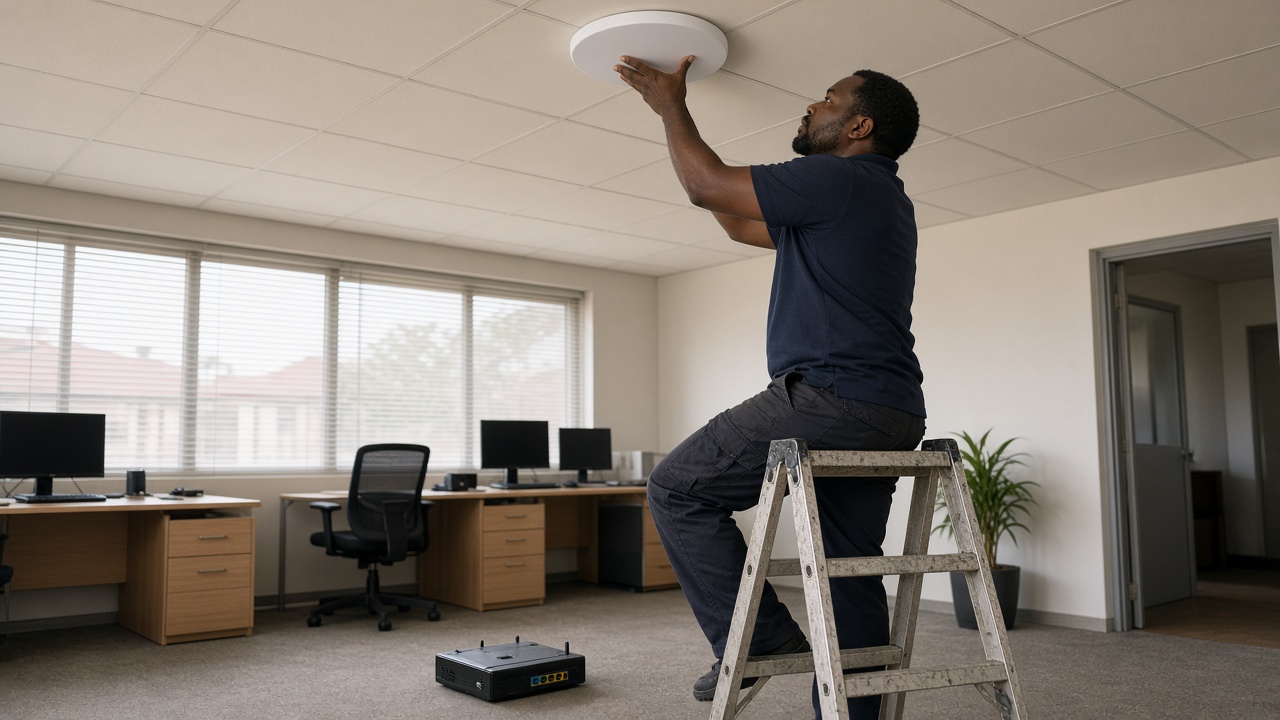
Most small offices start with whatever router their fibre provider bundled in. It works fine for a handful of laptops and some browsing. Then the team grows. VoIP calls start dropping.
Guest WiFi slows everything to a crawl. That's usually the moment an office realises it needs a proper network, not a home gadget stretched past its limits. A well-planned UniFi network setup for a small office in South Africa solves exactly that problem, backed by local support rather than a manual and a prayer.
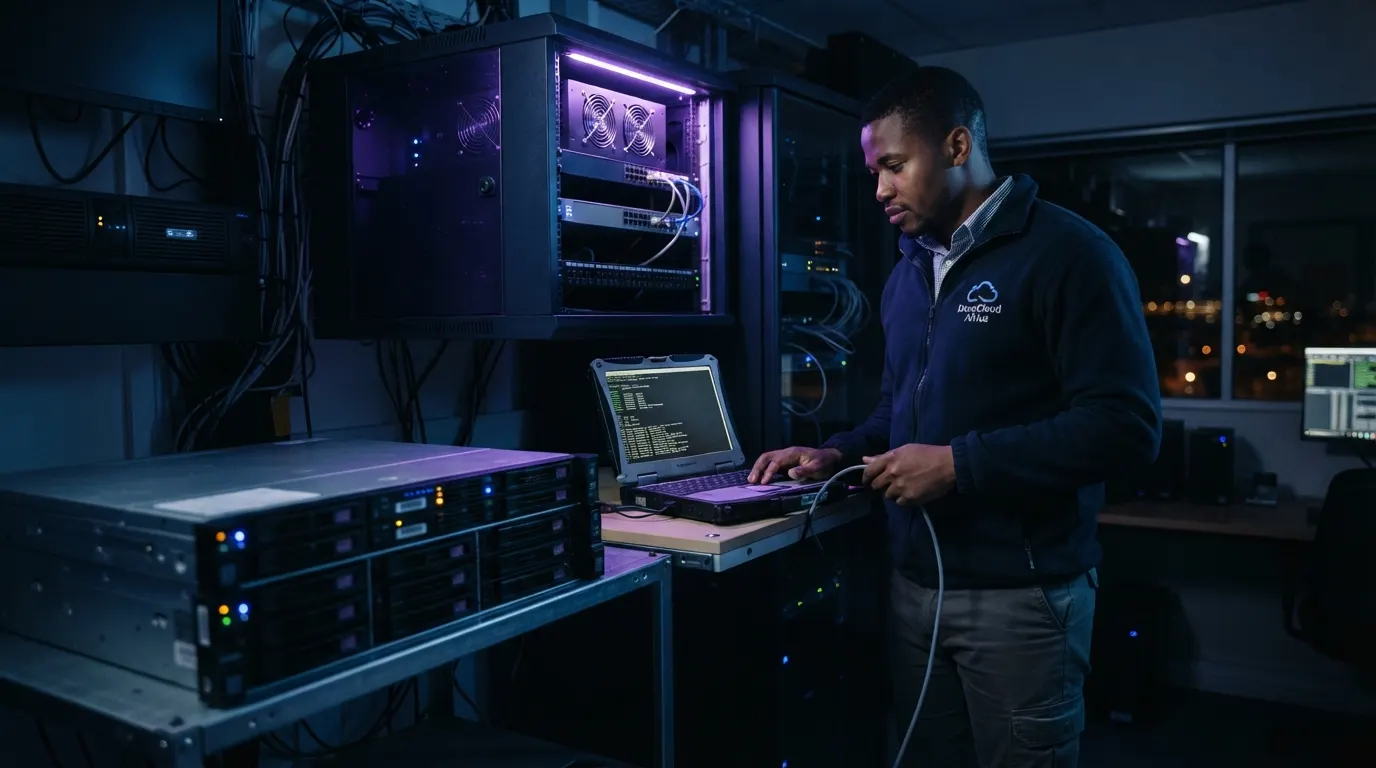
NovaCloud has spent over 10 years deploying and managing network, VoIP, and cloud infrastructure for South African SMEs. That experience gives us first-hand insight into which UniFi configurations actually hold up under load shedding and everyday office demands.
Why Standard Home Routers Fail Growing South African Offices
Consumer routers are built for one household, not a business. They handle a few devices streaming video reasonably well. They don't cope with twenty staff on video calls, a guest network, printers, and a cloud PBX all fighting for the same radio and the same processor.
VoIP is usually the first casualty. Home routers don't prioritise call traffic, so calls break up the moment someone else starts a large download. Guest WiFi is another weak point, because most consumer routers can't properly isolate visitor devices from the office network.
Then there's load shedding. Every power cut forces a full reboot, and repeated power cycling wears out cheap hardware faster than it should. A router that reboots several times a day during scheduled outages is also a router that's more likely to need replacing within a year.
Signs Your Office Has Outgrown Its Current Router
A few signs are easy to spot once you know what to look for. WiFi drops when more than a few people join a call. Guests can see shared folders or printers meant only for staff.
The router needs a manual restart every few days. And nobody in the office actually knows the admin password anymore.
If two or more of these sound familiar, it's worth comparing what a proper setup costs against what downtime and lost productivity are already costing you. That's where a realistic look at what South African businesses actually pay for UniFi network installation becomes useful, rather than guessing based on a single device price online.
Core Components of a UniFi Network Setup for Small Offices
A UniFi network for a small office is built from a small number of purpose-built pieces, not a single all-in-one box. Each part does one job well. Together they behave far more predictably than a consumer router juggling everything at once.
Choosing the Right UniFi Cloud Gateway for South Africa
The gateway is the brain of the network. It handles routing, security, and traffic prioritisation for everything behind it. For a smaller office, the Ubiquiti Multi-WAN UniFi Cloud Gateway Ultra (UCG-Ultra) offers multi-WAN support. That matters in South Africa because it lets a second internet connection take over automatically if the primary line fails.
Offices with heavier traffic or more demanding applications can step up to the Ubiquiti 2.5Gbps Multi-WAN UniFi Cloud Gateway Max (UCG-Max), which adds higher throughput for busier networks. For offices wanting the latest WiFi standard built into the gateway itself, the Ubiquiti UniFi Express WiFi 7 Tri-Band 10Gbps Cloud Gateway (UX7) combines gateway functions with high-performance tri-band wireless in one unit.
Picking between them comes down to how many staff and devices the network needs to carry, and how much headroom you want for growth over the next few years.
UniFi Access Points and PoE Switching for Office Coverage
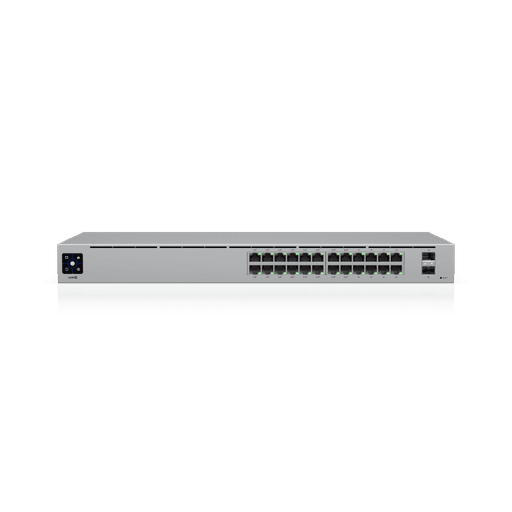
Access points bring the WiFi signal to where staff actually sit, rather than relying on a single router radio to cover the whole floor. Power over Ethernet (PoE) switching powers them through the network cable itself, which keeps cabling simple and avoids a tangle of plug packs near the ceiling.
For access points mounted on walls or in open spaces, the Ubiquiti Access Point Pro Arm Mount (UACC-PRO-AP-AM) gives installers a secure, adjustable way to position an access point for the best coverage angle, rather than leaving it flat against a surface that blocks the signal.
Planning Coverage for Open-Plan and Multi-Floor Offices
There's no single number of access points that suits every office. An open-plan floor with drywall partitions needs fewer units than a multi-floor building with concrete slabs between levels, because concrete and steel block WiFi signals far more than plasterboard does.
Boardrooms with glass walls, warehouses with racking, and reception areas with high foot traffic all behave differently too. A site walk-through, rather than a rule of thumb, is really the only reliable way to plan business WiFi coverage that holds up once the office is full of people and devices.
Access Point Placement for Reliable Office WiFi
Good placement spreads access points evenly across the space, mounts them high enough to avoid interference from furniture and bodies, and overlaps their coverage areas slightly rather than leaving gaps. Getting this right up front avoids the common problem of one corner of the office always struggling for signal.
For businesses with more than one site, or a warehouse building separate from the main office, the Ubiquiti UISP 60GHz/5GHz PtMP Wave Access Point (Wave-AP) can bridge locations wirelessly over long distances, avoiding the cost and disruption of trenching cable between buildings.
It's a point-to-multipoint solution, so it can also connect several buildings back to one central network. For a fuller breakdown of sizing and site planning, a deeper look at UniFi installation for SMEs covers the process in more detail.
Security and Segmentation for Staff, Guest, and VoIP Traffic
A flat network, where every device sits on the same segment, is a liability. If someone compromises a guest's laptop, they can potentially reach staff computers, shared files, and even the phone system from there.
Segmentation stops that by keeping different types of traffic on separate virtual networks, even though they share the same physical cabling and access points.
A small office running a UCG-Ultra gateway alongside PoE-powered access points can keep staff WiFi, guest access, and VoIP calls on separate network segments. That reduces the chance that a compromised guest device puts customer data or phone systems at risk.
POPIA-Aligned Network Segmentation Basics
The Protection of Personal Information Act requires businesses handling customer data to take reasonable steps to secure it. Network segmentation is one of the more practical, affordable ways an SME can show it's taking those steps seriously, alongside its other data handling policies.
In practice, this means a guest VLAN with no access to internal resources, a staff VLAN for computers and business applications, and a dedicated VLAN for VoIP handsets so call quality doesn't compete with everyday browsing traffic. For offices wanting a dedicated security gateway to manage this segmentation, the Ubiquiti UniFi Security Gateway Lite (UXG-LITE) offers an entry point for firewall and routing duties on smaller networks.
Physical access matters too. The UA-RESCUE key switch gives IT teams a controlled way to reset or recover UniFi devices on-site, without leaving a permanent backdoor exposed to anyone who walks past the server rack.
Businesses wanting a fuller check on their setup can arrange a network security assessment to see how their current segmentation and access controls hold up, or look at practical cybersecurity guidance for small businesses for the wider picture beyond the network layer.
Offices with more complex compliance or firewall needs sometimes also look at pairing UniFi with FortiGate firewall protection for an added layer of inspection at the gateway.
Load Shedding and Power Resilience for Office Network Gear
This is where a generic global UniFi tutorial usually falls silent, and where a South African office can't afford to. Load shedding doesn't just cause inconvenience. It causes repeated, uncontrolled shutdowns of network gear that was never designed to be switched off mid-task.
Network gear that reboots repeatedly during a power cut is more likely to suffer configuration corruption or premature hardware failure than gear kept on a properly sized UPS with clean shutdown behaviour. A UPS sized correctly for the gateway and PoE switch keeps the core of the network running through a normal load shedding stage, and gives equipment time to shut down properly if the outage runs long.
Keeping UniFi Gateways and Access Points Online During Outages
Power is only half the problem. If the office's fibre or fixed-line connection is also affected by the same outage, or by an unrelated provider fault, the network can lose internet access even with power in place.
The Ubiquiti UniFi LTE4 Managed WiFi 4 Mobile Router Ultra (UMR-Ultra) provides cellular failover in that scenario. It steps in automatically so staff can keep working over a mobile data connection until fibre is restored.
Together, a right-sized UPS and a cellular failover device turn load shedding from a daily disruption into a manageable, background event. For a broader continuity plan covering more than just the network, planning IT continuity through load shedding walks through the wider approach.
Why Professional UniFi Installation Beats DIY Setup for SA Offices
UniFi hardware is genuinely good, and it's tempting to think a self-managed setup will save money. In practice, most offices that try DIY installation end up with a network that works on day one and slowly drifts out of configuration as staff, devices, and needs change.
Professional installation means someone has actually assessed your building, planned access point placement against real walls and floors, configured VLANs correctly the first time, and tested failover before you rely on it. It also means someone answers the phone when something breaks, instead of leaving the office to troubleshoot a firewall rule at 8am on a Monday.
NovaCloud's managed IT and connectivity services already support businesses across Pretoria, Johannesburg, KZN, and Cape Town with local, ZAR-billed SLAs. We apply that same accountability model to UniFi network installation and monitoring, so pricing and support terms stay predictable rather than routed through an overseas call centre.
What NovaCloud's Managed UniFi Setup Includes
A managed network setup that South African businesses can rely on typically covers the full path from planning to ongoing support: a site survey to size the gateway and access points correctly, professional cabling and mounting, VLAN configuration for guest, staff, and VoIP separation, UPS and LTE failover sizing for load shedding resilience, and remote monitoring so issues get flagged before staff notice a problem.
That last point is what separates managed support from a one-off installation. Ongoing monitoring means a struggling access point or a failing UPS battery gets replaced before it fails, not after it's already cost the office a day of downtime.
It's also worth pairing this with managed IT services that include network support so the network sits inside a broader plan covering the rest of your IT environment, not as an isolated system nobody owns.
If your office is still running on a router built for a home, not a business, the fix doesn't need to be a guessing game or a weekend DIY project. Reach out to NovaCloud for a free network assessment and quote.
We'll size the right UniFi setup for your office, your building, and your load shedding stage, then install and manage it so it stays reliable long after the first day.
Tags
- business wifi network south africa
- managed network setup south africa
- network infrastructure for smes south africa
- office network upgrade south africa
- reliable office wifi south africa
- ubiquiti network installation cost south africa
- unifi access point for office
- unifi cloud gateway south africa